
Download The Weather 14 days – weather forecast, 14-day forecast, weather app, weather maps, weather radar
Overview
The Weather 14 Days is a free mobile application designed to deliver comprehensive weather insights with a focus on extended forecasting. Built specifically for Windows 10 devices, the app provides users with a detailed 14-day forecast, real-time weather alerts, and access to interactive weather maps, radar, and satellite imagery. Its primary purpose is to help individuals stay informed about current and upcoming weather conditions, enabling better planning for daily activities, travel, and outdoor events. The app is suitable for both casual users seeking quick weather updates and weather enthusiasts who value in-depth data visualization.
Target users include commuters, travelers, outdoor event planners, and anyone who relies on accurate, long-term weather predictions. The developer, Thomas P. Larson, has created a tool that emphasizes usability and visual clarity, particularly through its adherence to Google’s Material Design principles. Although the developer did not provide additional background on their experience or other projects, the app’s longevity—first released in 2014—suggests consistent maintenance and user demand. The app plays a notable role in the Windows 10 app ecosystem by offering a dedicated, lightweight weather solution that integrates well with the platform’s interface standards.
Real-world use cases include checking forecasts before weekend hikes, monitoring storm developments through official alerts, or customizing live tiles to display weather on the desktop. With global coverage across over 450,000 locations, the app supports diverse user needs, from urban dwellers to remote travelers. Its availability in multiple languages further enhances accessibility, making it a practical utility for international audiences.
Key Features & Functionality
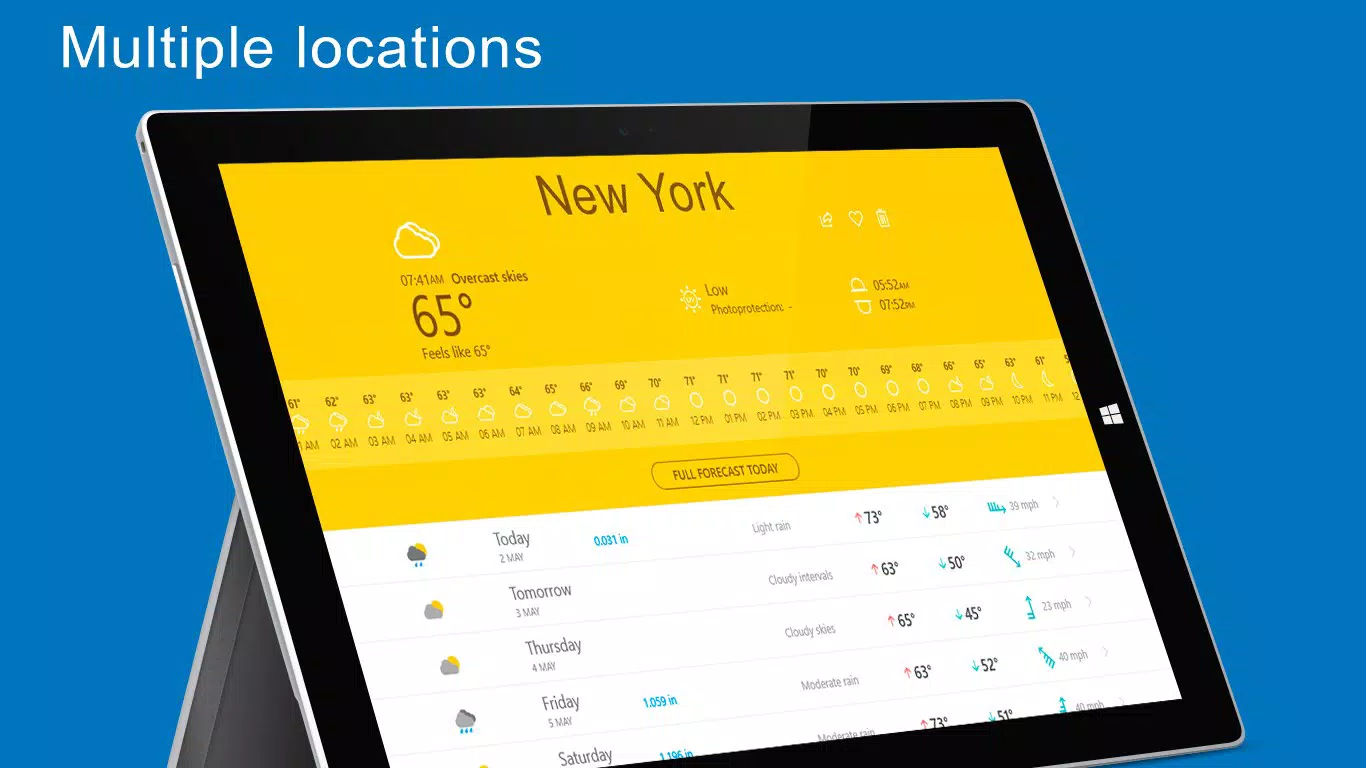
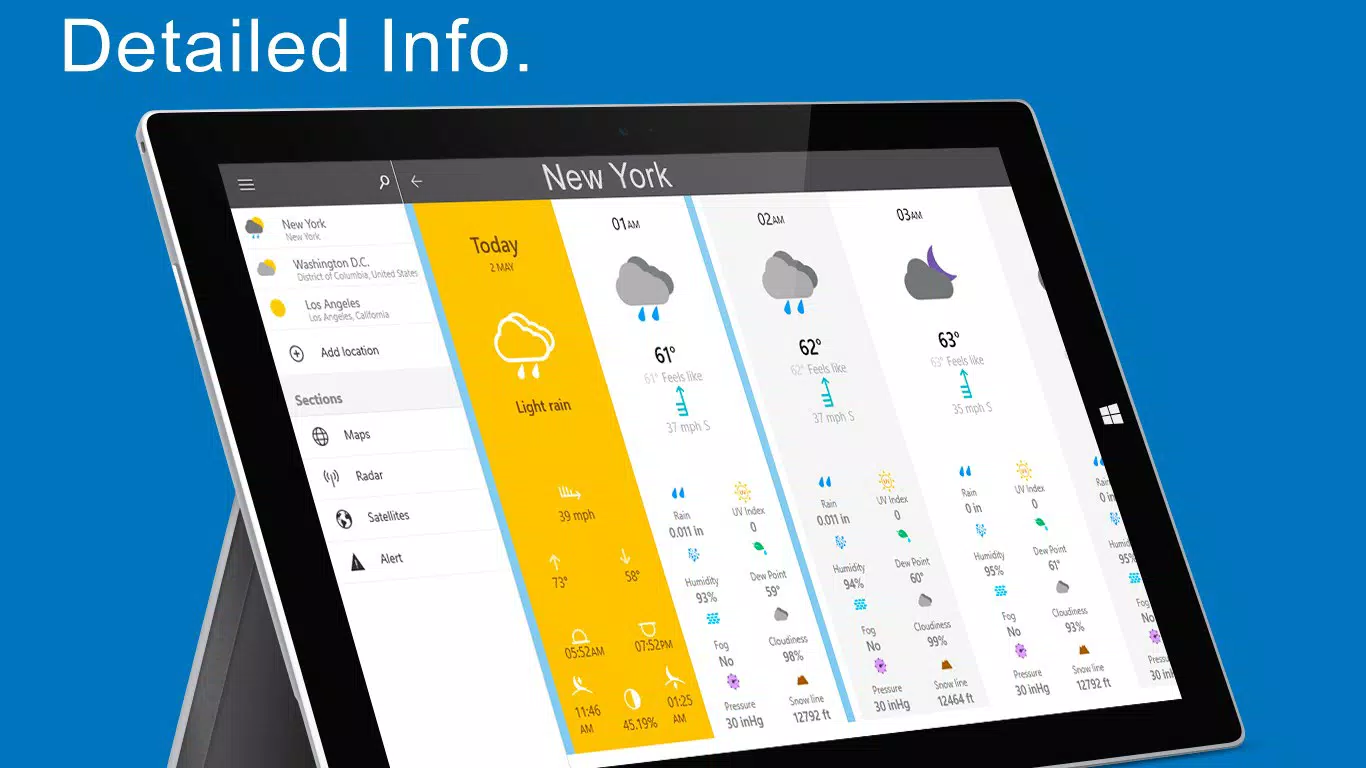
- 14-Day Forecast Accuracy: The app delivers a detailed outlook spanning 14 days, allowing users to anticipate temperature shifts, precipitation trends, and humidity levels well in advance. This extended timeline supports long-range planning, such as scheduling outdoor work or travel.
- Real-Time Weather Warnings: Official alerts from trusted sources like the National Weather Service are integrated directly into the app. Users can enable notifications for specific locations, ensuring timely awareness of severe weather events without needing to manually check the app.
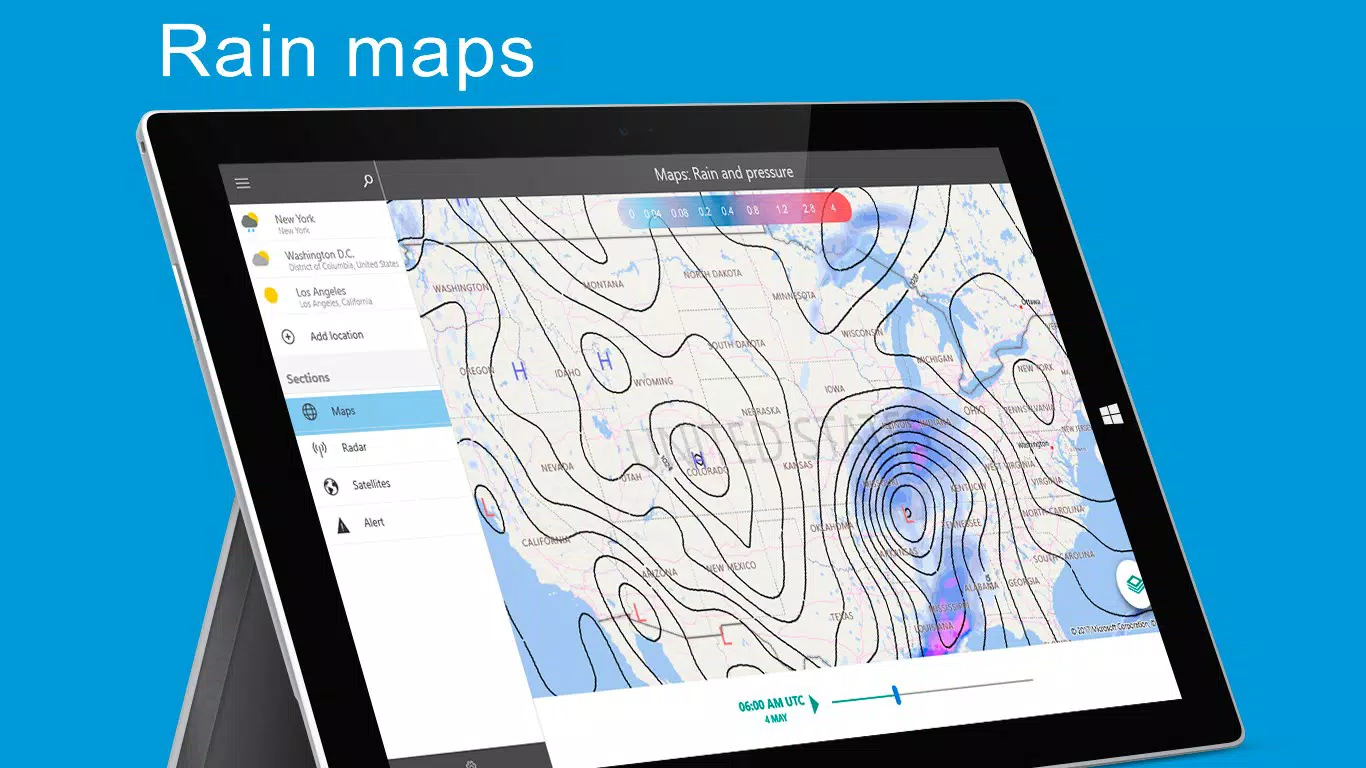
- Interactive Weather Maps: Animated maps display temperature gradients, rainfall intensity, cloud cover, and atmospheric pressure. Users can interact with the maps using pinch and zoom gestures, enhancing clarity when analyzing regional weather patterns.
- Customizable Widgets: Live Tiles on the Windows 10 desktop can be personalized with various designs, showing current conditions and forecast data. This feature enables users to stay updated at a glance without opening the full app.
- Global Location Support: With access to over 450,000 locations worldwide, the app accommodates users in major cities and remote areas alike. Users can add and manage favorite locations for quick access.
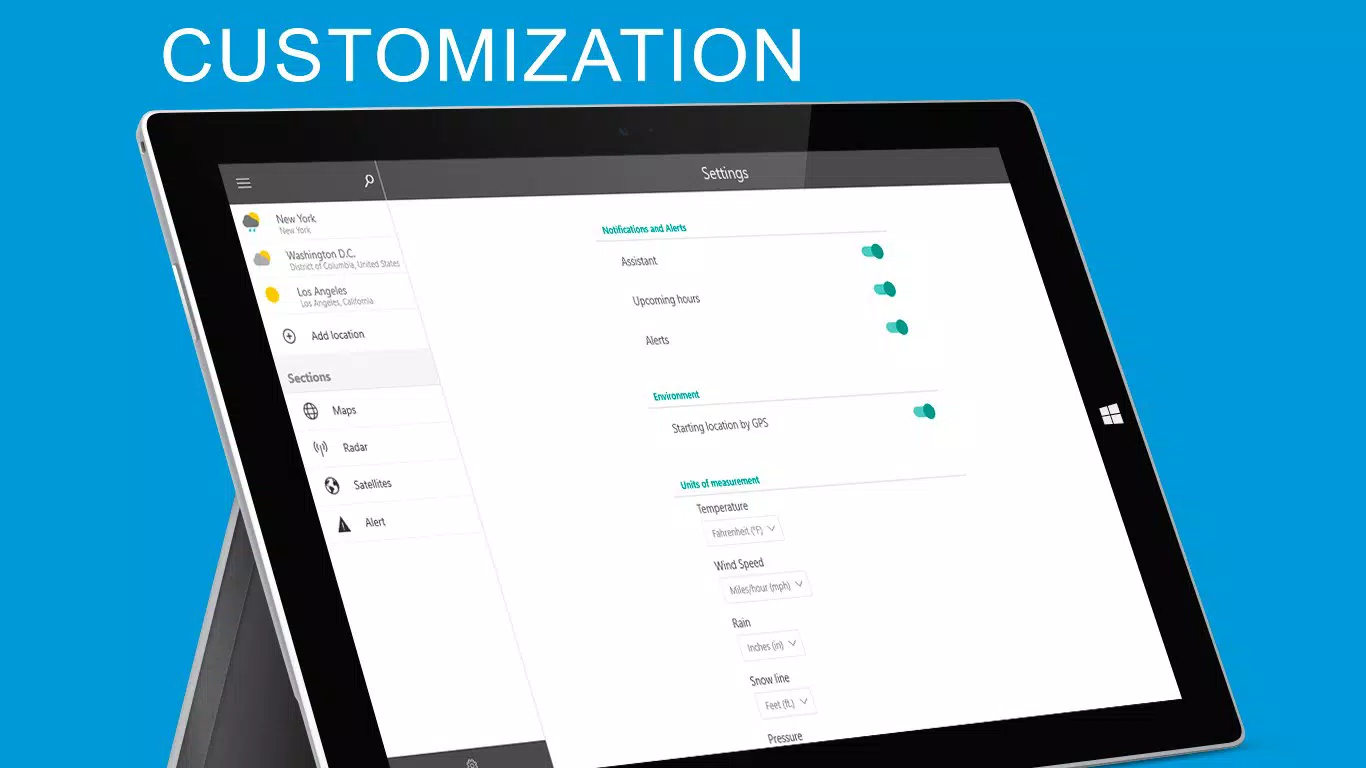
- Measurement Preferences: Users can switch between metric and imperial units, tailoring the app’s display to their regional standards and personal preferences.
Each feature is designed to enhance user autonomy and situational awareness. For instance, a hiker in Barcelona can monitor a 14-day forecast to assess rain chances before a multi-day trek, while a school administrator in New York might rely on real-time alerts to decide on event cancellations. The integration of satellite imagery and radar allows for dynamic visual tracking of storm systems, improving decision-making during critical weather events.
Interface, UX & Performance
The interface of The Weather 14 Days follows a clean, modern design philosophy rooted in Google’s Material Design. The layout emphasizes clarity and quick access, with weather data organized into intuitive sections: current conditions, hourly breakdowns, and the 14-day forecast. Navigation is streamlined, allowing users to switch between locations with minimal taps. The visual style uses a consistent color palette and typography, contributing to a cohesive and professional appearance.
Interaction is responsive, with smooth transitions between screens and quick load times for weather data. Although the developer did not list formal performance metrics, the app’s file size of 10.2 MB suggests efficient resource usage. The app maintains stability across various Windows 10 device categories, including tablets and desktops, ensuring consistent behavior regardless of screen size or input method.
Users report that the app remains functional during prolonged usage, with no significant crashes or lag. The ability to customize Live Tiles enhances usability by providing immediate weather insights directly from the home screen. However, the lack of a dark mode option may affect readability in low-light environments, though this is not explicitly stated in the provided information.
Platform Compatibility & Technical Requirements
The Weather 14 Days is designed exclusively for Windows 10 devices. It is compatible with both desktop and tablet form factors, making it accessible to users across different device types. The app’s software version is 2.2.0.0, with a file size of 10.2 MB, indicating a lightweight footprint that does not strain system resources.
While the developer did not specify minimum OS requirements or hardware specifications, the app’s small size and stable release history suggest broad compatibility with standard Windows 10 configurations. Users are advised to ensure their device is running a supported version of Windows 10 to avoid potential installation issues. No additional permissions or background processes were mentioned in the provided data.
Pros and Cons
Pros
- Free to download and use with no in-app purchases
- Comprehensive 14-day forecasts for global locations
- Real-time weather alerts from official sources
- Interactive, pinch-to-zoom weather maps and radar
- Customizable Live Tiles for desktop integration
- Supports over 450,000 locations worldwide
Cons
- Platform-specific to Windows 10, limiting availability on other systems
- Developer did not provide details on minimum OS or hardware requirements
- No mention of dark mode or accessibility enhancements
- App size and version details may not reflect future updates
- Compatibility information was not fully disclosed
FAQ
Is The Weather 14 Days available on Android or iOS?
The app is currently designed for Windows 10 devices only. There is no official version available for Android or iOS platforms.
Can I receive weather alerts for multiple locations?
Yes, users can set up alerts for multiple favorite locations and opt-in to receive notifications based on local weather conditions.
How often does the app update its weather data?
The app refreshes weather information regularly, though the exact frequency was not specified by the developer.
Is the app secure and free from third-party ads?
The app is listed as free and does not mention advertising. However, specific security protocols or data handling practices were not disclosed.
Can I use The Weather 14 Days offline?
While the app relies on internet connectivity for live data, cached forecasts may be available for recently viewed locations. The developer did not confirm full offline functionality.
Final Thoughts
The Weather 14 Days stands out as a reliable, feature-rich tool for Windows 10 users seeking accurate and extended weather insights. Its combination of a 14-day forecast, real-time alerts, interactive maps, and customizable widgets makes it a practical utility for both everyday use and specialized planning. The app’s lightweight design and global reach further enhance its value, particularly for users who prioritize long-term weather tracking.
While its platform exclusivity limits accessibility, it remains an excellent choice for Windows 10 users who want a no-frills, dependable weather solution. The app’s longevity and consistent updates reflect a commitment to user needs. For those relying on accurate weather data to make informed decisions, The Weather 14 Days delivers a strong balance of functionality, design, and performance.
Download The Weather 14 days now


